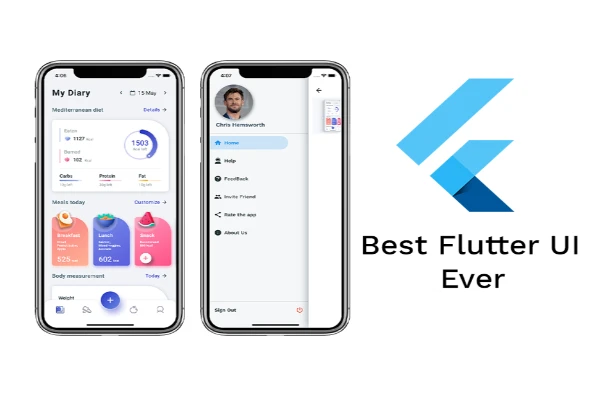






Mobile App Development Flutter Widgets
What you'll learn
• Set up Flutter development environment and emulator
• Understand widget tree and app structure
• Build UI using core Flutter widgets
• Differentiate Stateless vs Stateful widgets
• Manage UI updates using setState()
• Handle user interactions with gestures
• Create layouts using Row, Column, Stack
• Apply styling using themes, colors, and fonts
• Build structured and responsive UI screens
This course includes:
• 1 Mini UI Project (Portfolio Screen)
• 12–16 Hours Live Classes
• Online / Onsite (Physical)
• Flutter UI Templates
• Practice Exercises
• Certificate of Completion
Course Content
Flutter Setup & Project Structure
• Installing Flutter SDK
• Setting up Emulator / Physical Device
• Creating a Flutter Project
• Understanding Project Structure
• main.dart Entry Point
• runApp() function
Core Widgets & App Structure
• MaterialApp
• Scaffold
• AppBar
• Text Widget
• Basic UI Rendering
• Hot Reload for Fast Development
Widgets & State Management Basics
• StatelessWidget vs StatefulWidget
• setState() for UI Updates
• StatefulWidget Lifecycle (basic understanding)
• Handling User Input:
- GestureDetector
- InkWell
Layout System
• Container Widget
• Layout Widgets:
- Row
- Column
- Stack
• Flexible Layout: - Expanded
- Flexible
• Spacing & Alignment: - SizedBox
- Padding
- Center
Styling & Theming
• TextStyle (font size, weight, color)
• BoxDecoration (borders, radius, shadows)
• Colors & Material Design
• ThemeData (global styling)
• Custom Fonts Integration
Mini Project (Real-World Practice)
Project: Static Portfolio / Profile Screen
Features:
• Profile image
• Name and bio
• Contact information
• Styled layout using Rows & Columns
• Custom colors and fonts
• Clean UI design
Requirements
• Completion of Module 1 (Dart Basics)
• Flutter SDK installed
• Basic programming knowledge
Description
This module introduces Flutter’s widget-based UI system. Students will learn how to build layouts, manage state, and design visually structured mobile interfaces.
By the end of this module, learners will be able to create complete static UI screens using Flutter.
Why Choose This Course?
• Hands-on UI building
• Industry-standard mobile framework
• Fast development with hot reload
• Strong design foundation
Activities During Class
• Creating UI components
• Building layouts
• Applying styles
• Handling user interaction
• Developing mini app screens
Who Is This Course For?
• Beginners in mobile app development
• Students learning Flutter
• Developers moving into UI design
Course Highlights
• Flutter Fundamentals
• Widget System
• Layout Design
• Styling & Themes
• Mini Project
📸 Course Gallery